Measure a normal day first
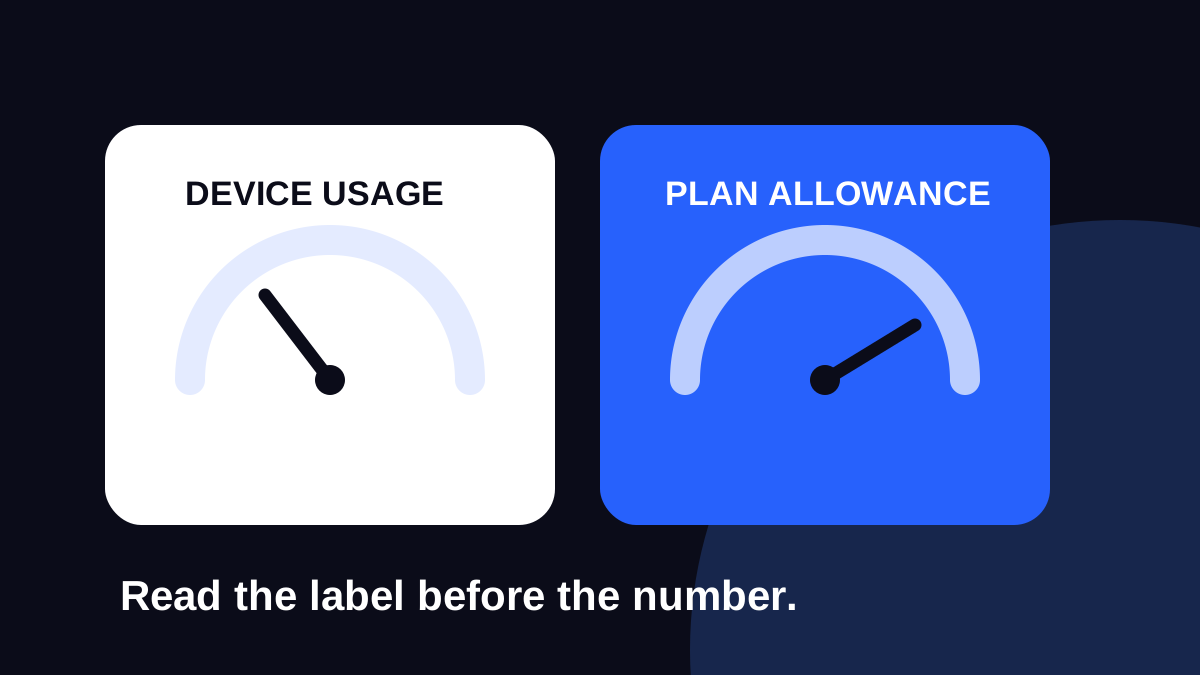
Look at your phone’s per-app mobile data usage over a period you understand. On iPhone, the current-period counter may need resetting; on Android, check the selected date range. A total from several months is not a useful daily baseline.
Note which apps account for most of the data. Consider how the trip changes them: you might use more maps and translation, less commuting music, or much more video calling. The provider’s remaining-data balance is the relevant check for your purchased plan.
Turn that baseline into a trip budget
Use this planning formula: expected daily mobile use × travel days, plus a buffer for the unexpected. For example, an assumed 0.4 GB a day over seven days is 2.8 GB. Adding a 25% planning buffer gives 3.5 GB. This is an arithmetic example, not a claim about the amount any app consumes.
If your itinerary includes remote work, make a separate estimate for the laptop. Large files, operating-system updates and cloud synchronisation can make a phone-only estimate misleading. Check hotspot permission before buying a plan for that purpose.
Move predictable downloads before departure
- Save transport tickets, accommodation details and important documents for offline access.
- Download supported offline maps and entertainment while on a connection you trust.
- Review photo backup, app updates and autoplay settings.
- Choose a lower streaming quality when that is adequate.
- Consider the phone’s low-data or data-saver mode.
Keep essential communication apps able to work in the background if you depend on their notifications. Saving data should not mean silently missing a message you need during the trip.
Review after the first full day
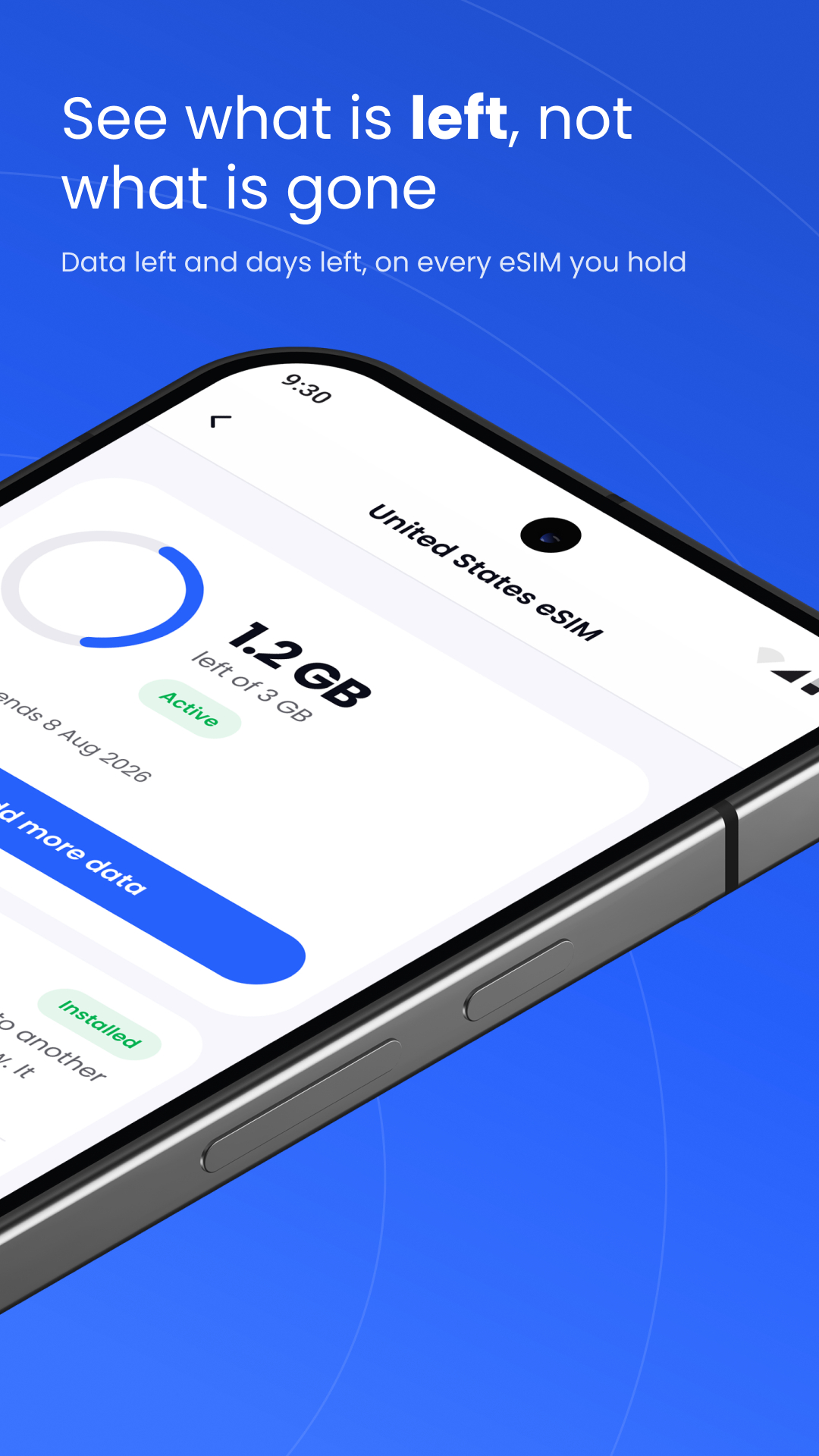
Check your remaining allowance in Stellar eSIM after a representative day, then compare it with the number of days left. A single airport day may not represent the rest of the holiday.
If usage is higher than expected, identify the cause before buying more data. A backup setting may be easier to change than repeatedly increasing the allowance. Where your eSIM supports top-ups, inspect the added data and validity before paying; do not assume every top-up extends the end date.
Sources & further reading
Product information and device guidance used for this article. Check your selected plan and exact device before purchase or setup.